Work management & collaboration
We learn how your team operates and optimize your workflows. A correctly configured project management tool feels like part of your process, not a blocker.
TL;DR
Workflow design and project management implementation for teams ready for a better system. We learn how your team operates, design the workflows, configure your platform, set up automations, and train your team to run it all independently.
- Workflow architecture designed around how your team actually works
- Platform implementation, migration, and configuration
- Automation that handles the repetitive work
- Training so your team owns the system, not us
What to know before kick-off
Your internal systems are the starting point. We design around them – whether that means building something new, migrating platforms, or improving what's already there.

How we’ll show up for you
Workflow design & architecture
We map how work moves through your organization – who's responsible for what, where handoffs happen, and where things slow down. We design the workflow before configuring anything. The platform serves you, not the other way around.
Artifacts: Workflow architecture document
Platform implementation & configuration
We configure the platform that fits your team – ClickUp, Asana, Monday, or whatever you're working with. Whether it was your choice or not, we make sure it's set up to match how your team operates.
Artifacts: Configured workspace
Automation & integrations
We set up automations that handle repetitive work – status updates, assignments, recurring tasks, and integrations with the tools your team already uses. Configured for your workflows, not platform defaults.
Artifacts: Automation library and integration map
Training & handoff
We train your team to run the workspace independently. Not a generic walkthrough – sessions built around your specific configuration and the scenarios your team encounters daily. When we leave, you keep everything.
Artifacts: Training documentation and recorded sessions
What we’ll need to begin
We start by learning how your team currently works. Share what you're using now so we can design something that fits naturally and that your team will enjoy using.
- Current project management tools and access
- A picture of your team structure and key workflows
- Pain points – what's slowing things down or getting lost
- Any processes you've documented, even informally
Where we start
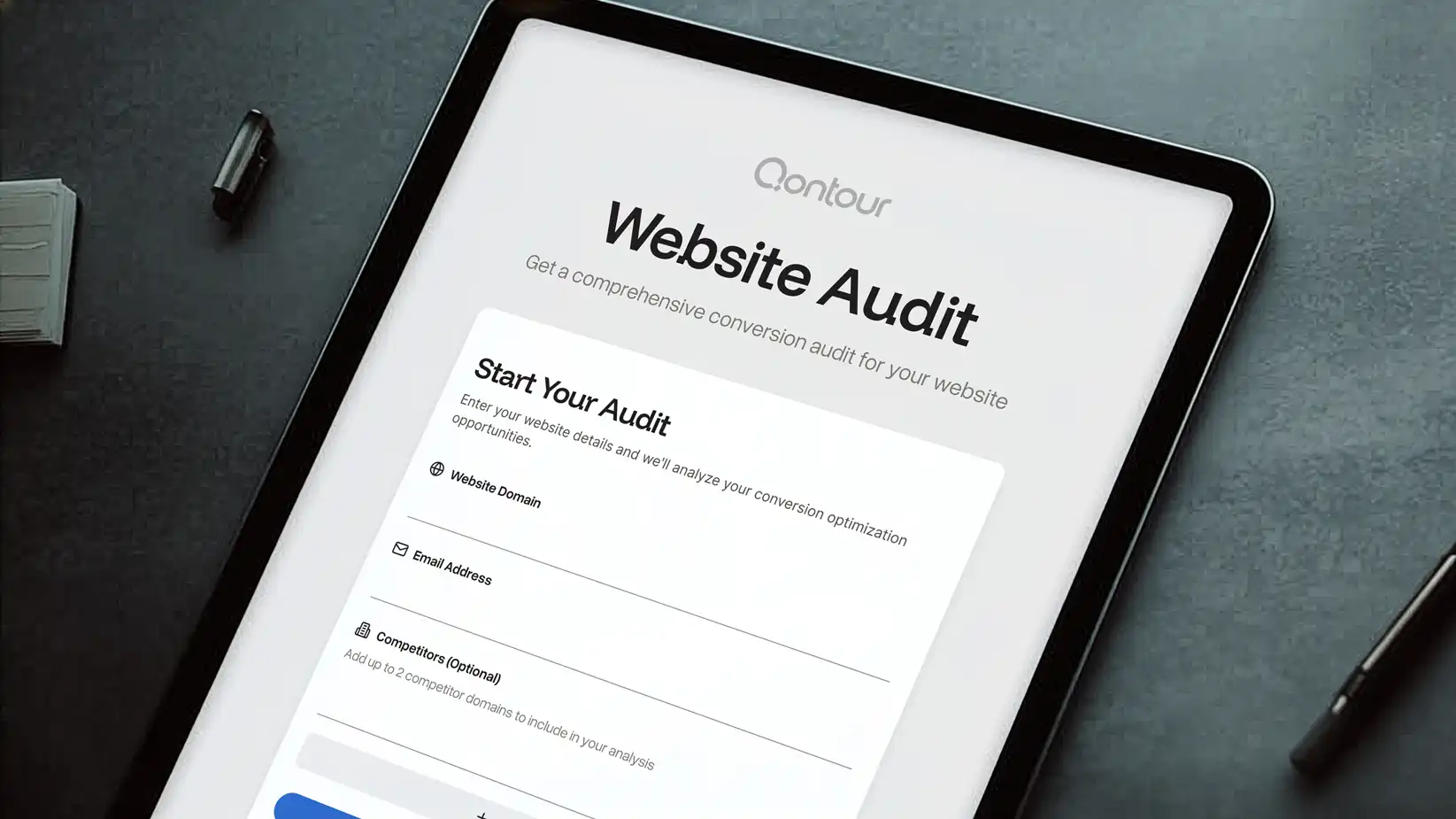
We use our CRO tool on every engagement. Figured it was only fair to let you try it without hiring us first.
The only cost is your email so we can answer any questions you have about your results.
How this process plays out
Audit & workflow mapping
We look at how your team currently manages work – the tools, the processes, and the workarounds people have built around them. Then we map the ideal workflow architecture based on how the work actually moves.
Outcome:
- Current tool and process audit
- Workflow architecture design
- Gap analysis and recommendations
Build & configure
We implement the workspace – spaces, folders, lists, custom fields, views, automations, and integrations. If you're migrating from another platform, we handle the transition so nothing gets lost.
Outcome:
- Workspace build and configuration
- Platform migration if applicable
- Automation setup and integration
Train & optimize
We train your team on the new system and stay engaged through the adjustment period. Once the workspace is live, we monitor how it's being used and refine based on what's working and what needs adjustment.
Outcome:
- Team training sessions
- Post-launch optimization
- Ongoing workflow refinement
What to expect
Setup and training have a clear timeline. Optimization continues so your workflows grow with your team and remain useful as priorities shift.
What's included
- Workflow architecture and design
- Workspace build and configuration
- Platform migration from existing tools
- Automation setup and integration
- Team training and documentation
What's not
- Analytics dashboards or reporting setup (see website insights and analytics)
- Content strategy or editorial workflows (see editorial strategy and messaging)
- Website development or CMS configuration (see website development and maintenance)
Is this service the right choice?
Best for teams that want their tools to work as hard as they do. Start here if your workflows could be smoother and you need someone dedicated to making that happen. Pairs well with website insights and analytics if you also need reporting connected to your workflows.
Our track record
Specifics. Because the work speaks louder than the pitch.

How we help at your stage
Our plans map to where you are – startup, growth, or enterprise. Read what a typical engagement looks like and what's included at each tier.

Questions?
Queries?
No. We recommend it because it reflects how we most like to work, and we're certified partners. But we have experience with Asana, Monday, Notion, Trello, and others – we can optimize whatever platform your team runs on.
Yes. We handle the full migration – data, structure, and workflows – so your team transitions without downtime or lost context. We've migrated teams from most major project management platforms.
Most teams are operational within the first week after training. The adjustment period is usually about a month before the new workflows feel natural. We stay engaged during that window to answer questions and refine what needs it.
That's common. A lot of teams adopted ClickUp without proper configuration – default settings, no custom fields, no automation. We audit what's there and rebuild the parts that aren't serving your team.
If you want us to. Some clients take the training and run independently. Others keep us engaged for ongoing optimization as their team grows and workflows evolve. We scope based on what makes sense.
Need a little more explanation?
That’s what we do.
In the meantime – we built a free site diagnostic we're really proud of. We already have your email so you won't have to give us something we don't already have